What Is The Defragging?Do I Really Need to Defrag My PC?

What Is The Defragging?, Do I Really Need to Defrag My PC?
You must have heard people talking about defragging PC to make it faster. Disk fragmentation is one of the ways you can improve PC performance. But hey, first we need to know what it is.

You must have heard people talking about defragging PC to make it faster. Disk fragmentation is one of the ways you can improve PC performance. But hey, first we need to know what it is.
What is the fragmentation and defragmentation?
Fragmentation occurs on a hard drive, a memory module or other media when data is not written closely enough physically on the drive. You must also know that the computer stores data in fragments on the hard drive. Those fragmented individual pieces of data are referred to generally as fragments.Defragmentation, then, is the process of un-fragmenting or piecing together the fragmented files so that they are closer physically on the drive or other media. This potentially speeds up the drives ability to access the file or in other words increases PC performance as you may have heard.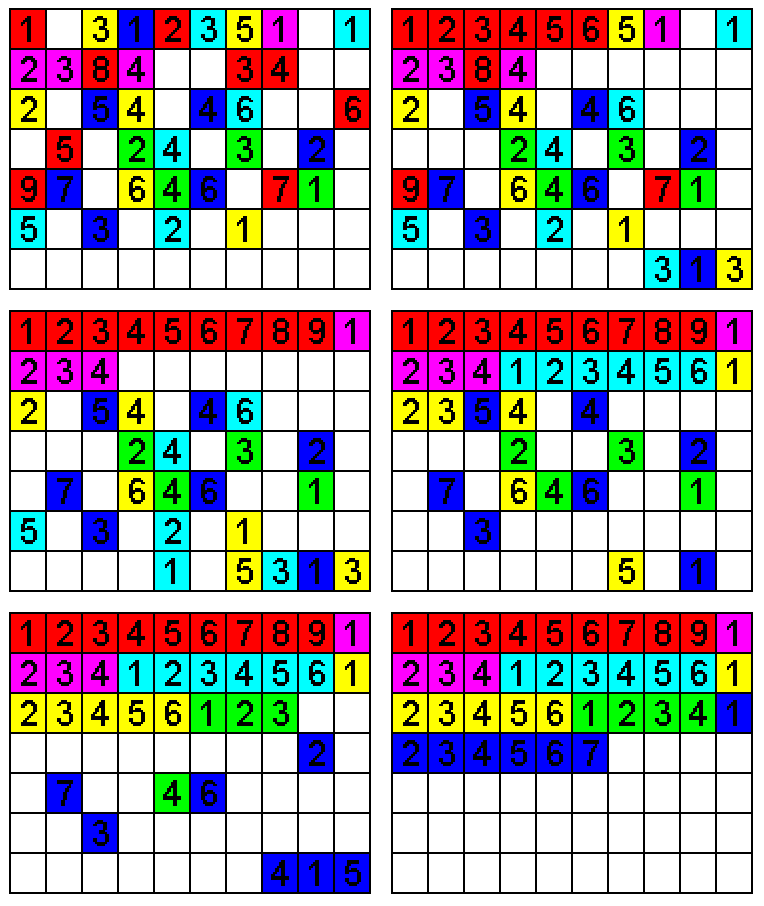
Fragmentation occurs on a hard drive, a memory module or other media when data is not written closely enough physically on the drive. You must also know that the computer stores data in fragments on the hard drive. Those fragmented individual pieces of data are referred to generally as fragments.
Defragmentation, then, is the process of un-fragmenting or piecing together the fragmented files so that they are closer physically on the drive or other media. This potentially speeds up the drives ability to access the file or in other words increases PC performance as you may have heard.
Should I defrag my personal computer manually?
In the present day, a dedicated tool is what you need. Disk defragmenter is one such tool and is included for free in windows operating system. Nevertheless, there are many third party options as well. Defragmentation is performed regularly automatically by modern operating systems like Windows 8.1, Windows 10, Mac OS etc. But back then though, it was a regular chore to do manually to keep your pc in good condition.
In the present day, a dedicated tool is what you need. Disk defragmenter is one such tool and is included for free in windows operating system. Nevertheless, there are many third party options as well. Defragmentation is performed regularly automatically by modern operating systems like Windows 8.1, Windows 10, Mac OS etc. But back then though, it was a regular chore to do manually to keep your pc in good condition.
Disk defragmentation on Windows 7, vista, 8.1, 10
Disk defragmentation on windows 7, 8.1, 10 and Mac OS runs automatically. According to Microsoft, starting with windows vista, the built-in windows defragmenter has been much improved upon and more so in windows 8 and windows 7 and is considered to be far better than its predecessor Windows XP. On Mac OS, the defrag process also runs automatically so there’s no need for you to do anything or get worried.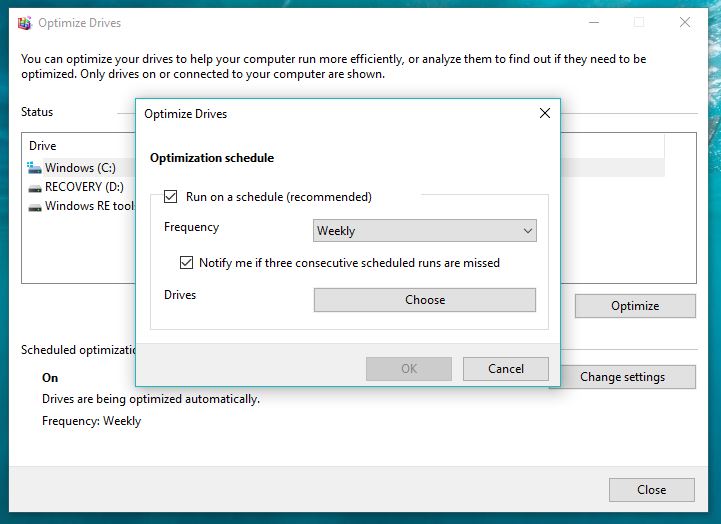
Disk defragmentation on windows 7, 8.1, 10 and Mac OS runs automatically. According to Microsoft, starting with windows vista, the built-in windows defragmenter has been much improved upon and more so in windows 8 and windows 7 and is considered to be far better than its predecessor Windows XP. On Mac OS, the defrag process also runs automatically so there’s no need for you to do anything or get worried.
Disk defrag on windows XP
For those who are still using PCs running windows XP OS, you need to defragment your system manually. Just open the start menu, open run, type the disk defragmenter application that will show you the option to defragment each drive. You can set it to run on a schedule or run it manually. It’s all up to you.Know that if you are using SSD – based system, you don’t need to defragment it. They don’t use a spinning pattern so it doesn’t take extra time to read from different parts of the drive.Hope you found the articles informative and helpful. You can drop your feedback on our comments section.
For those who are still using PCs running windows XP OS, you need to defragment your system manually. Just open the start menu, open run, type the disk defragmenter application that will show you the option to defragment each drive. You can set it to run on a schedule or run it manually. It’s all up to you.
Know that if you are using SSD – based system, you don’t need to defragment it. They don’t use a spinning pattern so it doesn’t take extra time to read from different parts of the drive.
Hope you found the articles informative and helpful. You can drop your feedback on our comments section.
Comments
Post a Comment